
Build apps on a canvas.
Right on your iPhone.
Lay out every page as a flow, drop in blocks, and wire up sign-in, forms and publishing with action blocks. Then export the code.
Free to build and preview. Export your code on Pro.
- Compass
- Claude Code
- Codex
- Cursor
- Muse
- Apple on-device model
One app. Four places to build.
Every page of your app, on one canvas.
Pages, the flow between them, the blocks on each page and what every button does. Nothing hidden in a file you have to find.
Try it in the Playground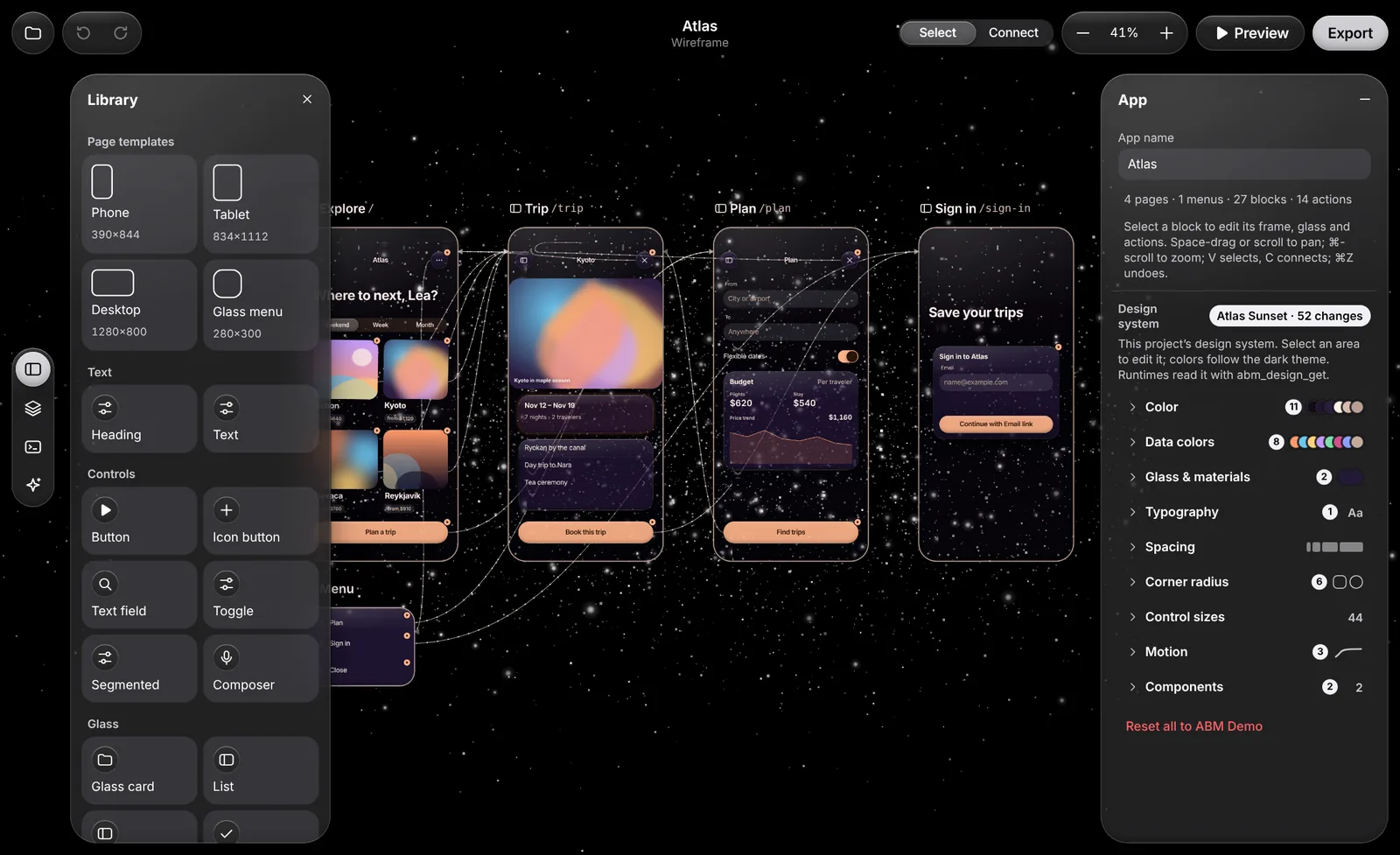
See the whole flow
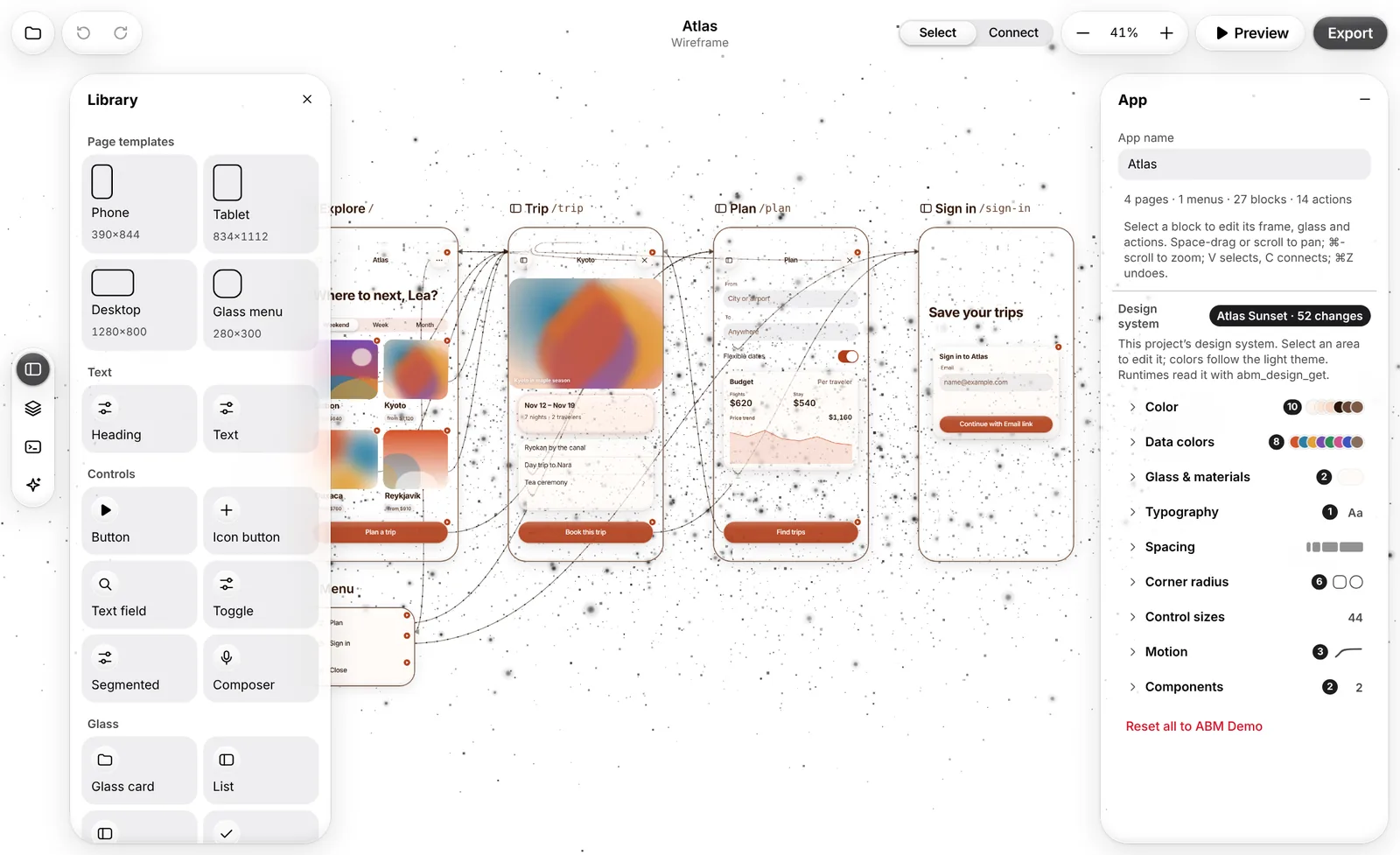
Every page sits on a wireframe canvas, wired to the pages it opens.
Layers, menus and templates
Drag blocks from the library, layer and lock them, add glass menus.
Preview runs every button
Tap through the real flow, transitions included, before you ship.
Sign-in, forms and publishing. As blocks.
Configure what each button does. Every action is a block you set up on the canvas, not code you write.
See them in AtlasGo to a page, open a menu or a link
With the transition you choose, or a glass menu over the page.
Sign people in
With your own sign-in provider, such as Auth0, Okta, Clerk or Supabase, using a secure code exchange. Wire it to any button.
Submit forms
Collect what your app needs and send it to your own endpoint or form service.
Publish anywhere you choose
Keep it private on your Mac, share it on your network or your device node, or put it on your own Netlify or Vercel account with your domain. The app shows the DNS records and checks them.
A team that builds with you.
Compass ships with the app and walks you from setup to a published project. Make your own bots, give each a role, and let them hand work to each other.
Get the appCompass, your guide
Workflows from setup to a built, configured and published app.
Private on your iPhone
Bots on your iPhone run on Apple's on-device model.
Bring your own
Pair a Mac to add Claude Code, Codex, Cursor or Muse.
Ship the code you built.
On Pro and Studio, export your app with a license: web pages you can host anywhere, and the app manifest for a native build.
See plansYour design system, carried through
Type, colour, glass and motion export with every page.
A license for your product
Each export carries a license that names your account.
Exactly what you previewed
The export is built from the same project you ran in Preview, actions included.
Open a demo app and change it.
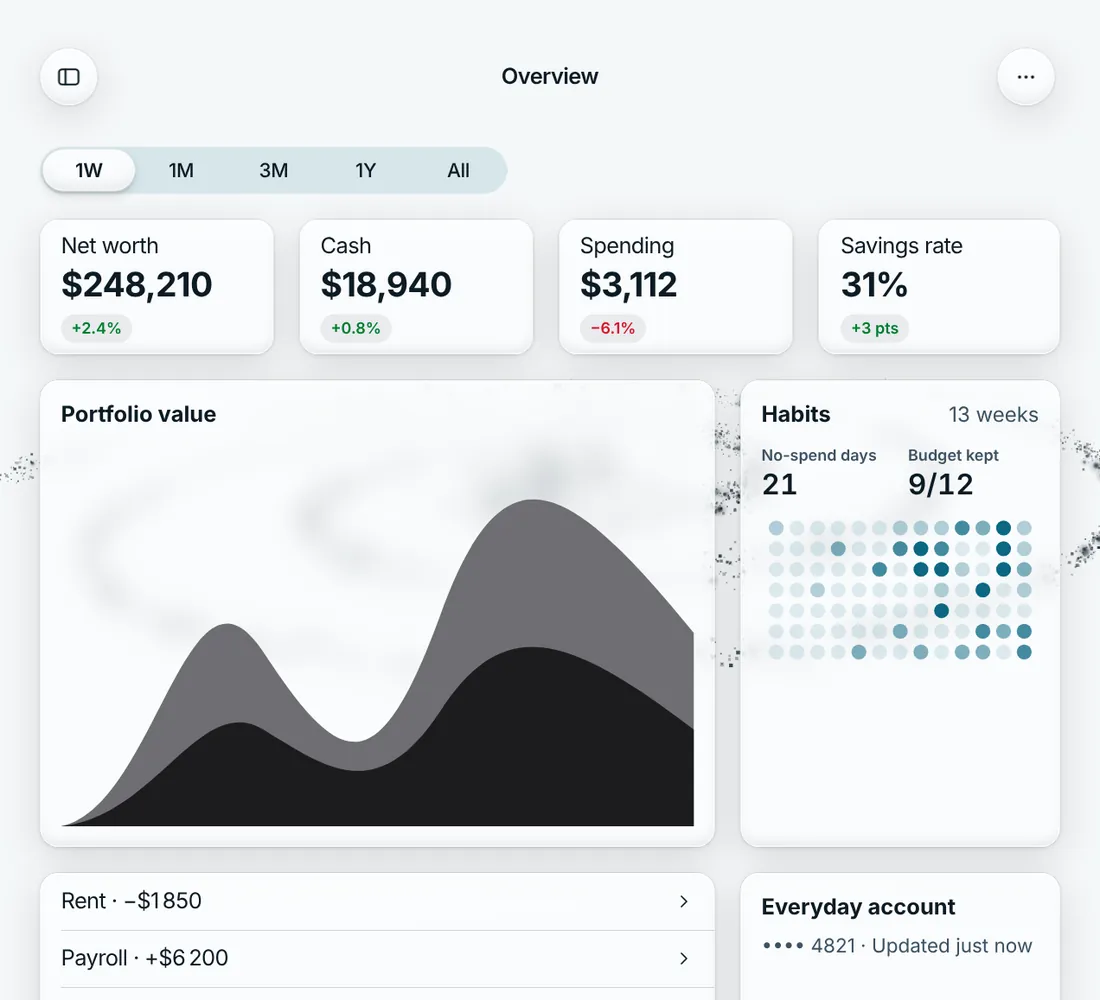
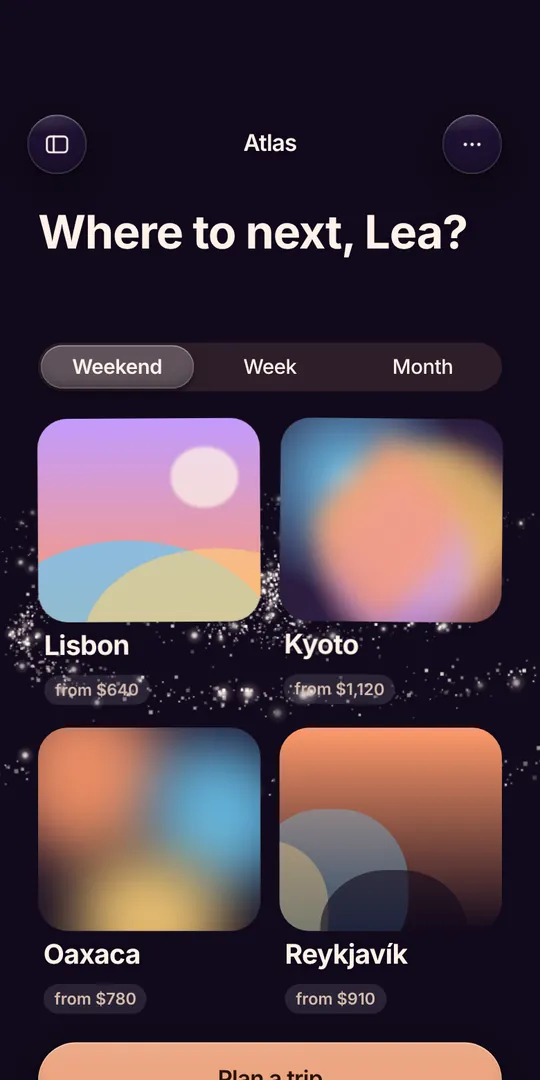
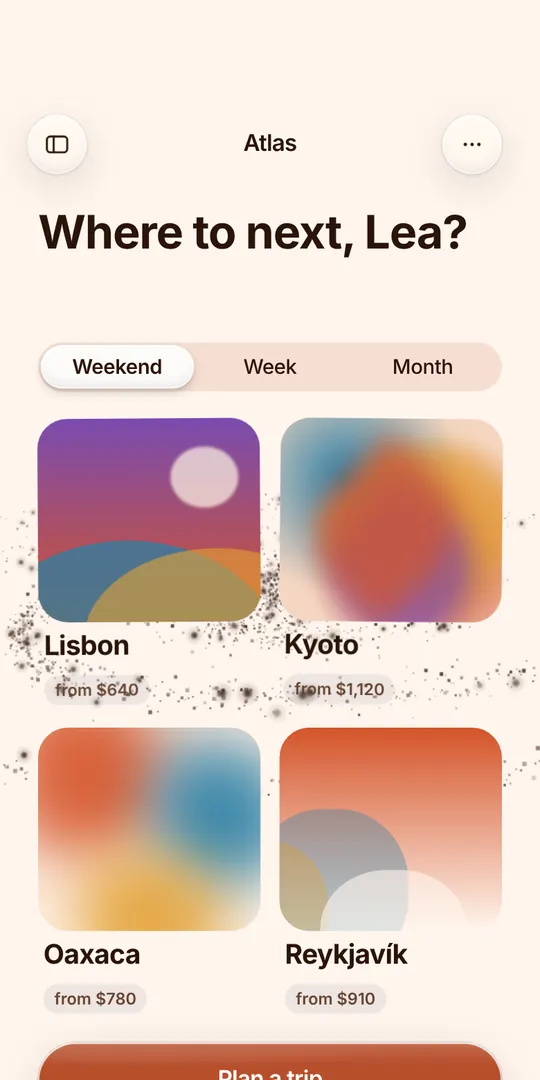
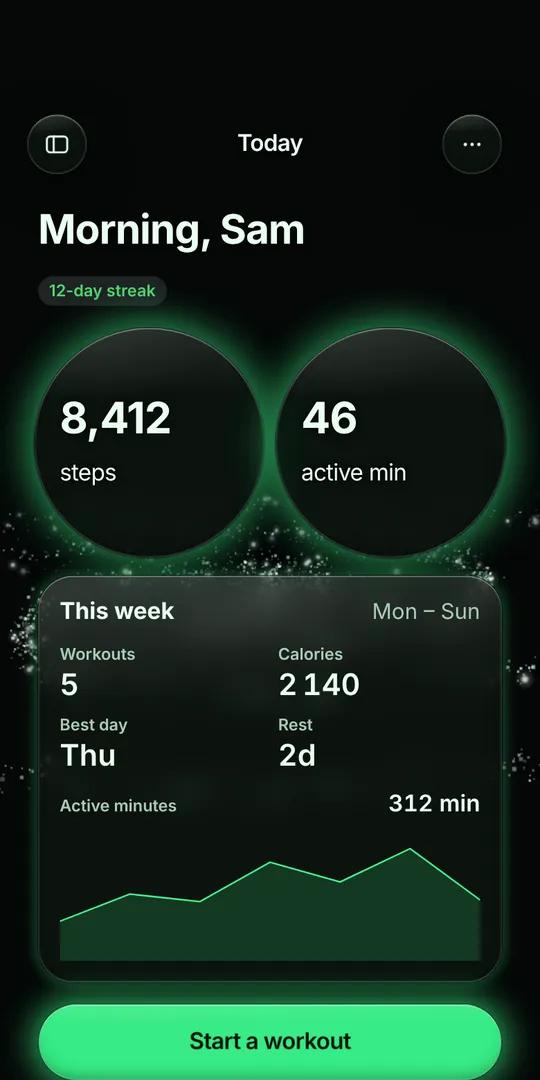
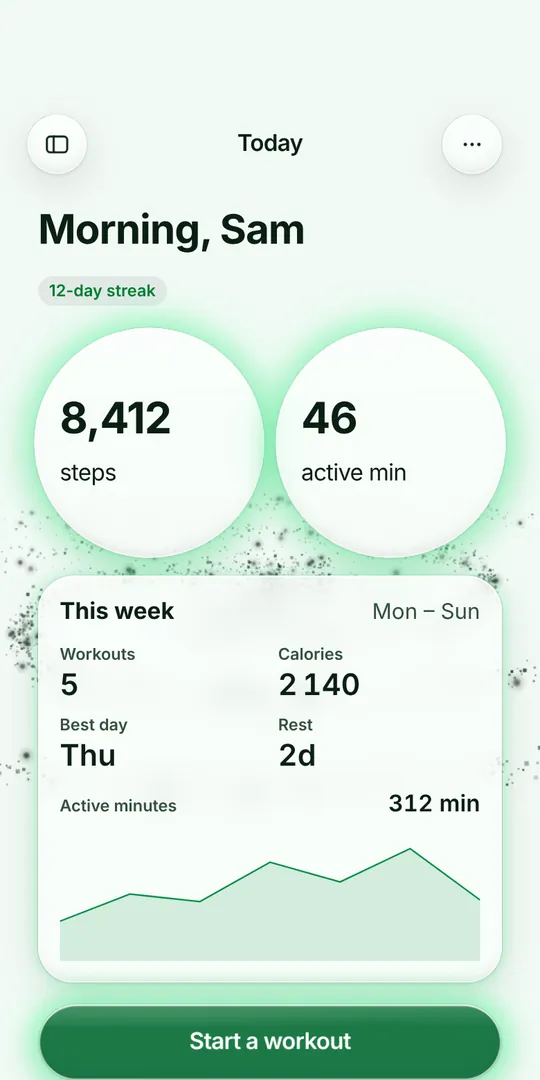
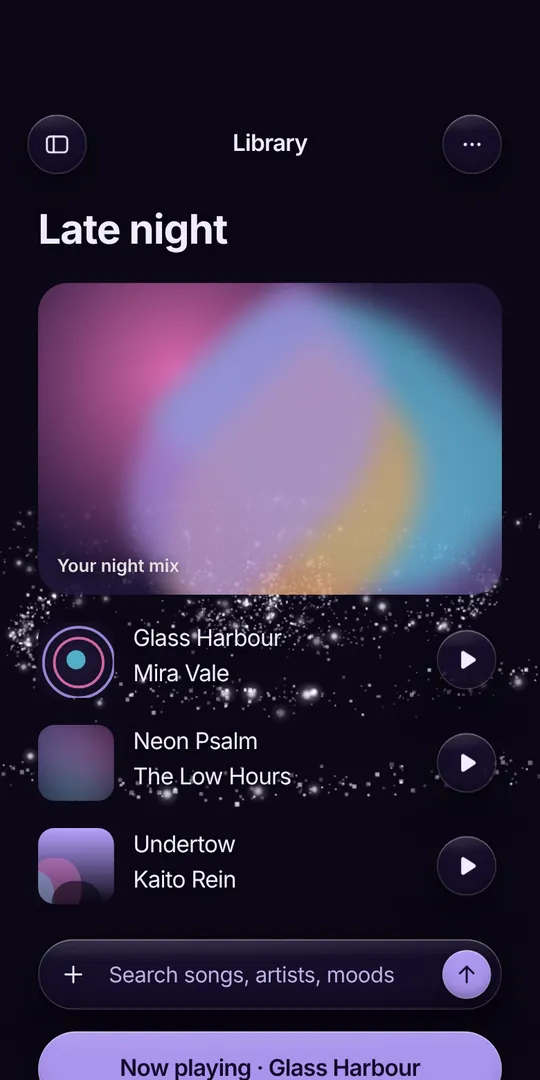
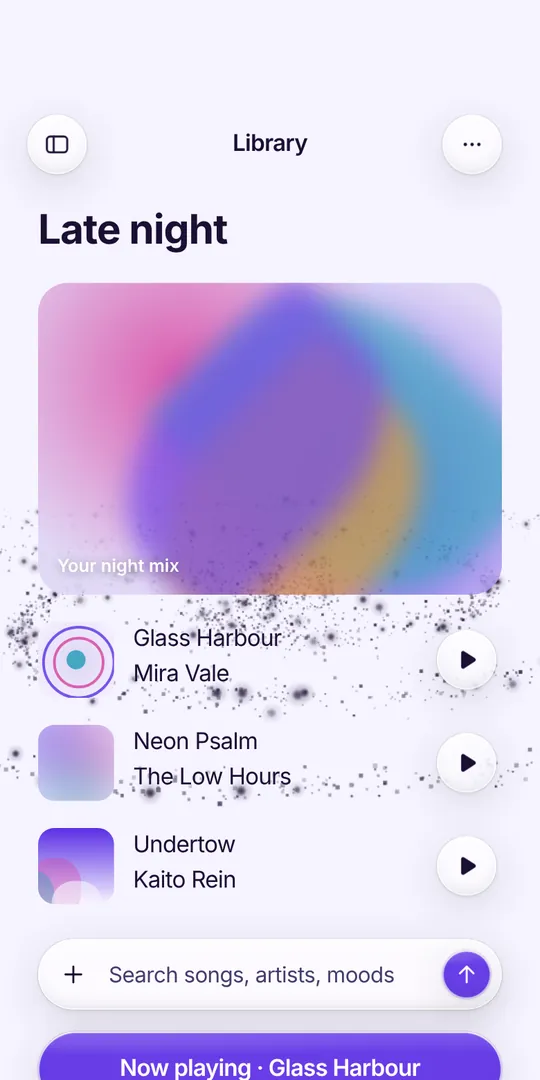
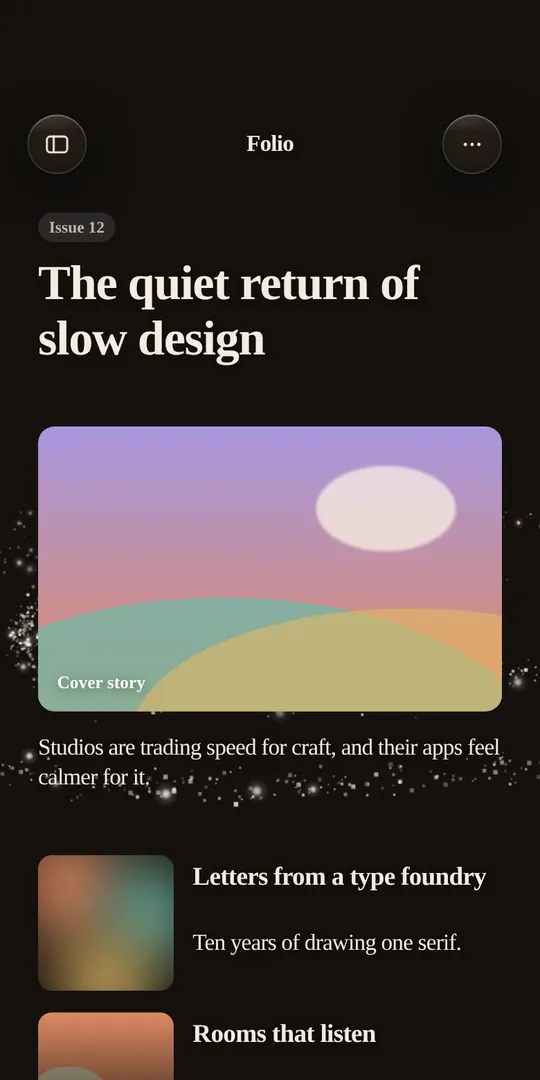
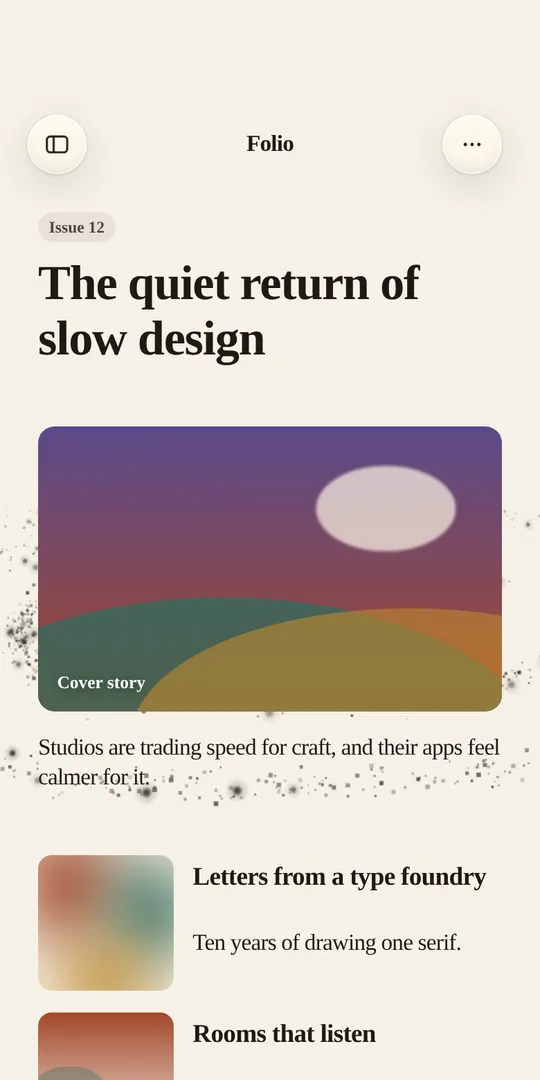
Five complete apps, each with its own design system and motion. They open in the real Builder, in your browser.
Open the Playground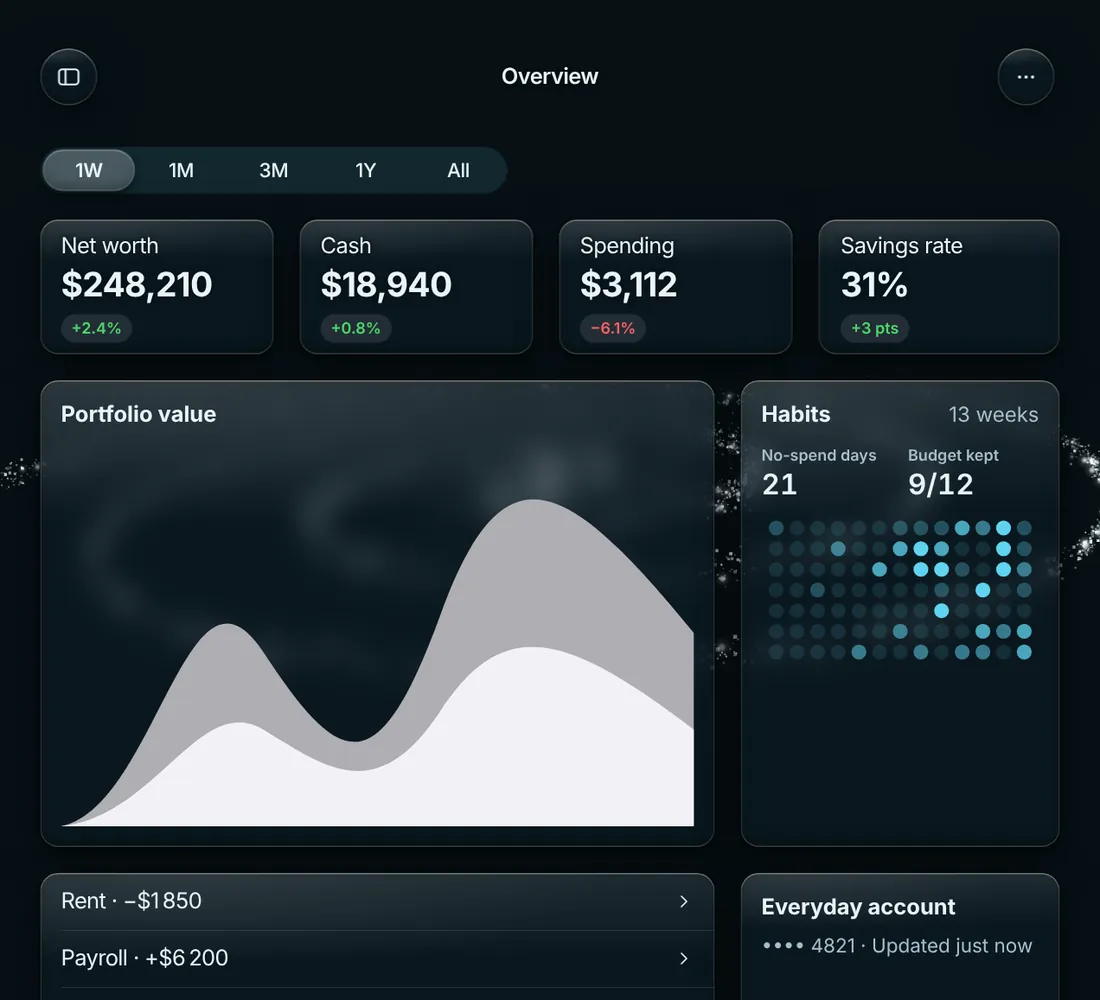
Free to build.
Pro when you ship.
Create a free account, open a demo, and meet Compass in the app. Upgrade when you're ready to export.